 Fablable
Make your designs look incredible
Fablable is a small studio building Canva apps that do one thing each, brilliantly — from standout text and AI photo styles to pixel drawing, custom frames, portrait retouching, styled QR codes and precision layout. Pick a tool, and get a finished result you can drop straight onto your design.
Fifteen apps, each great at one thing
Every app lives inside Canva's Apps panel and outputs a normal element you can move, resize and layer like anything else.
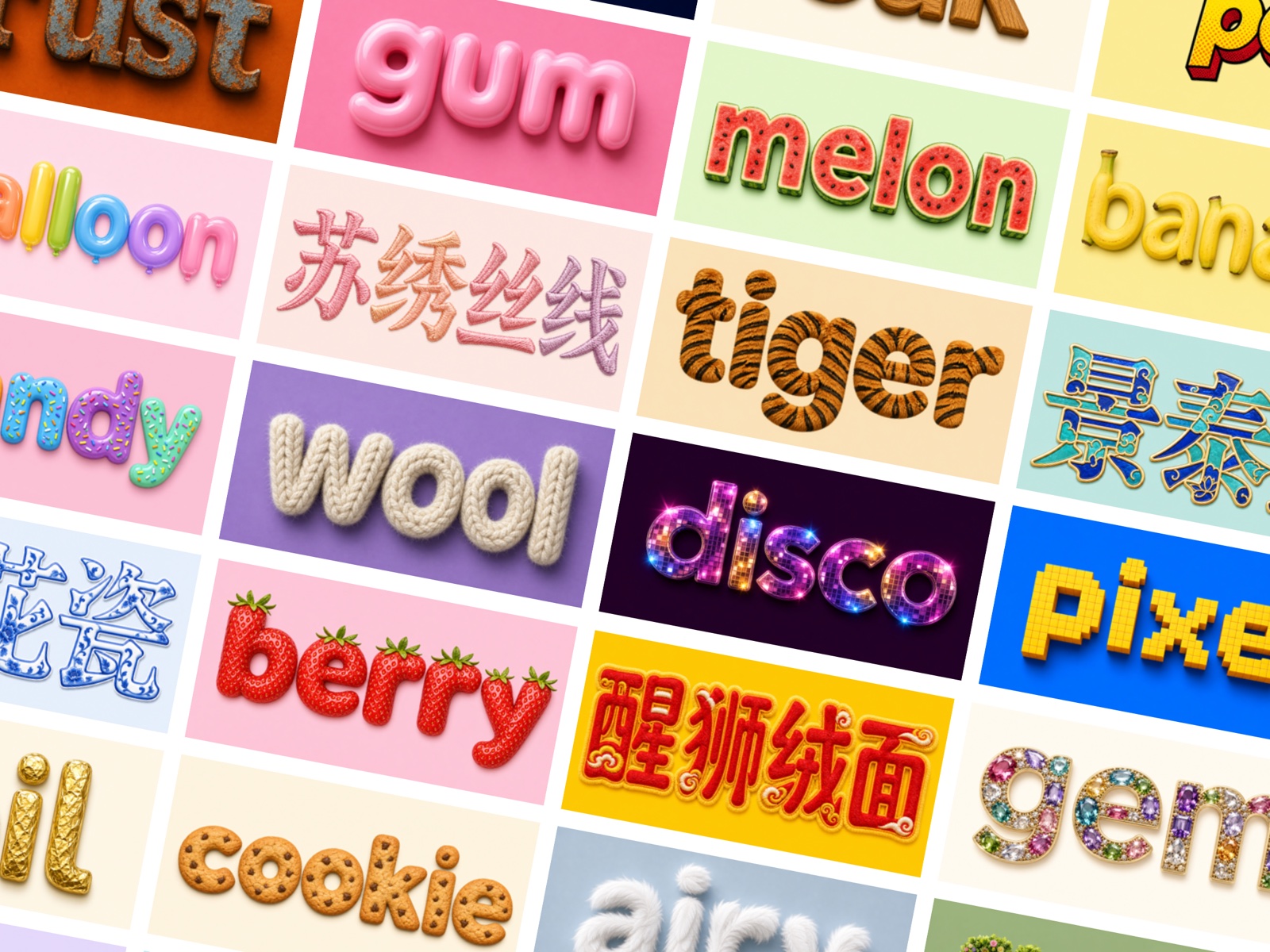
AI Font Effects
Turn any word into a realistic, on-trend text effect — fur, wool, embroidery, disco, engraved metal, candy and dozens more — generated by AI in seconds.
- 40+ curated styles across themed categories.
- Cutout mode for a transparent, ready-to-composite version.
- Regenerate for a fresh variation whenever you want.
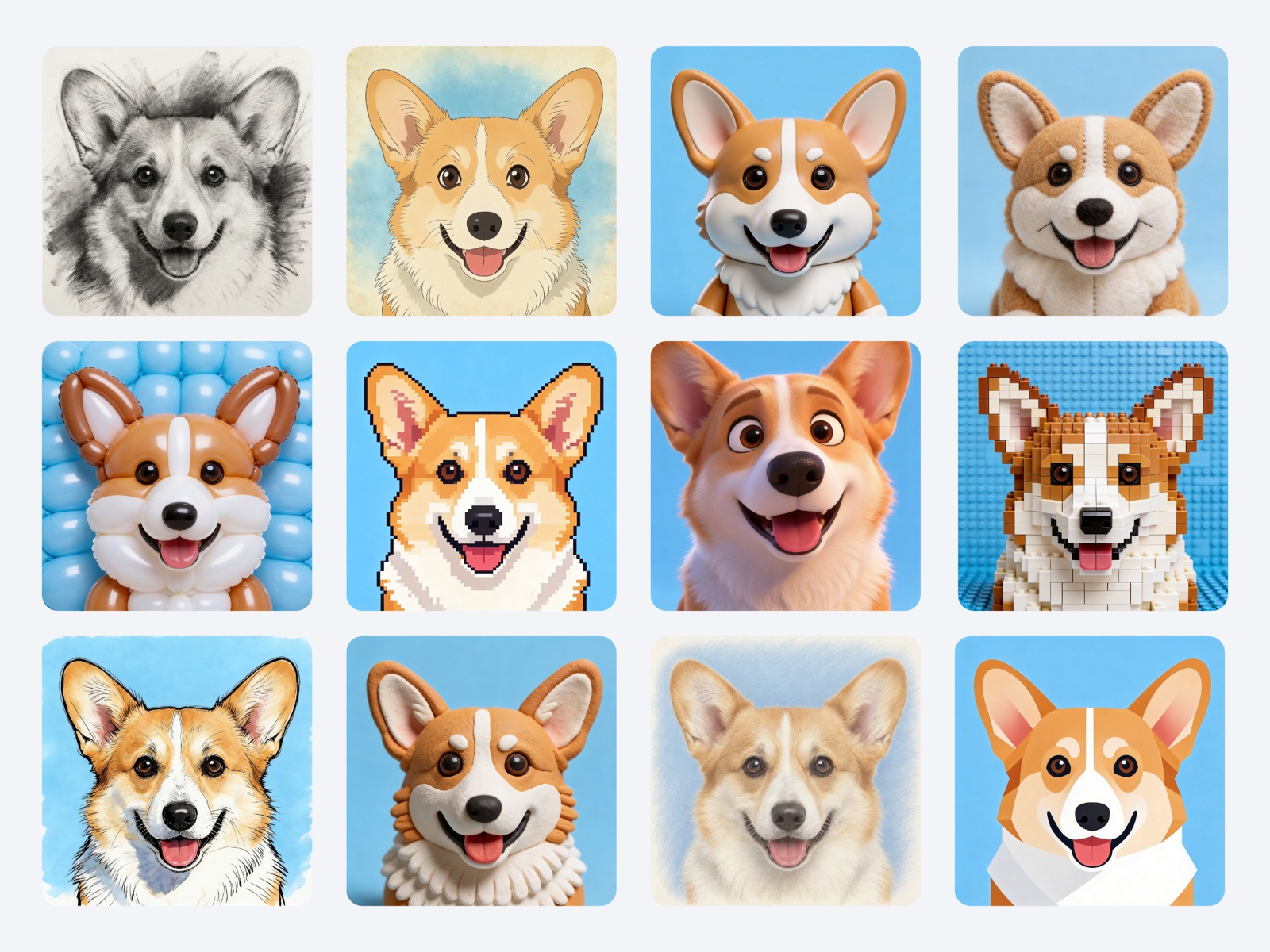
AI Art Styles
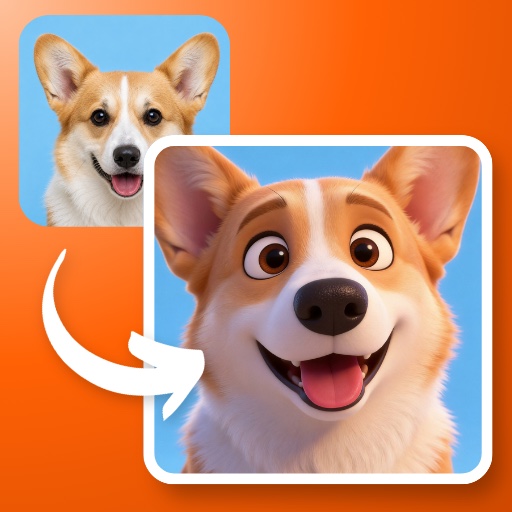
Restyle any photo with one tap — Van Gogh, manga, watercolor, pixel art, brick build, clay and dozens more. Great for pets, portraits and products.
- A full style library — curated picks plus themed categories.
- Likeness control — dial between "closer to the original" and "stronger style".
- Replace the original in place, or add the result as a new image.
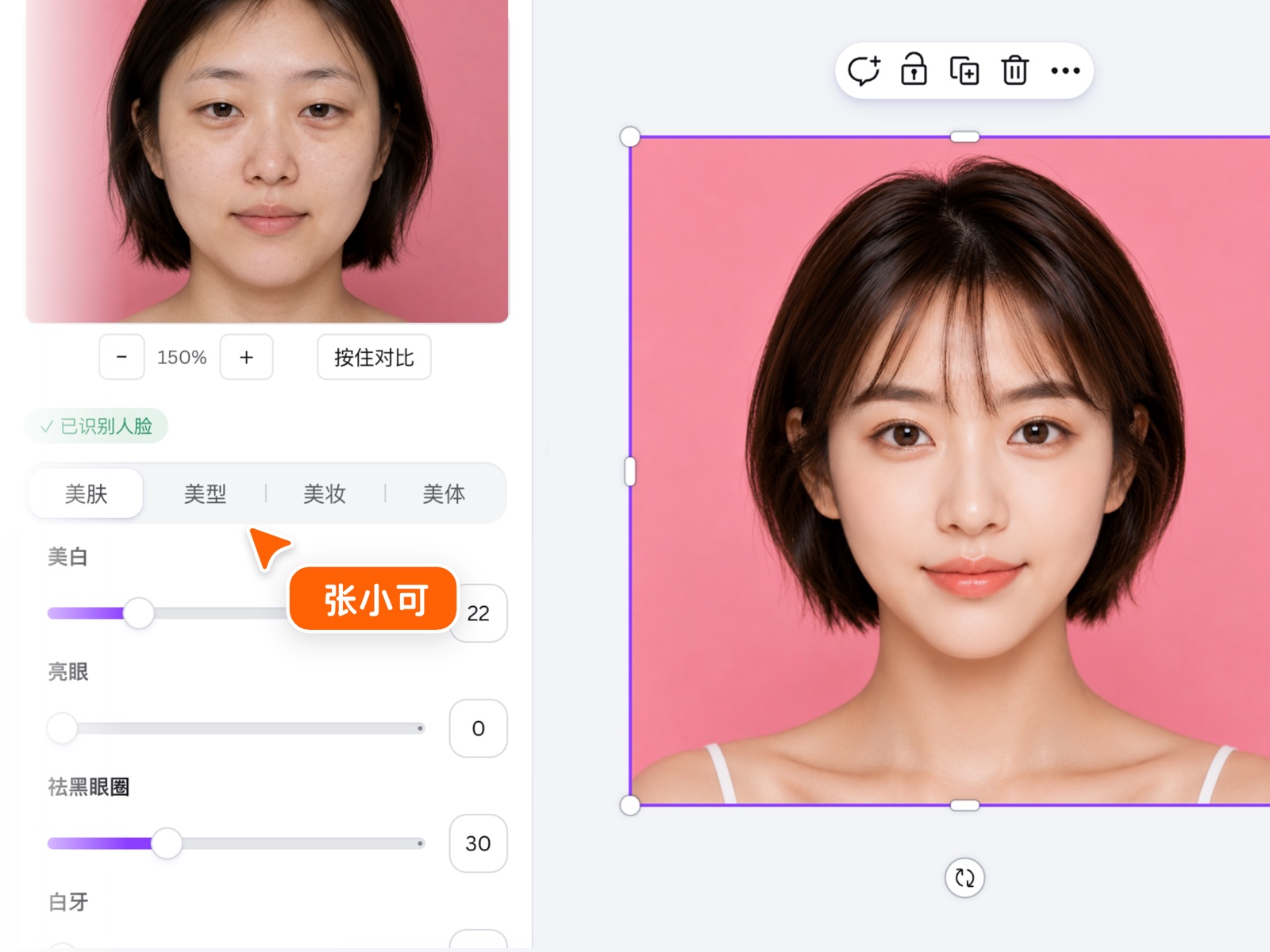
Smart Beauty
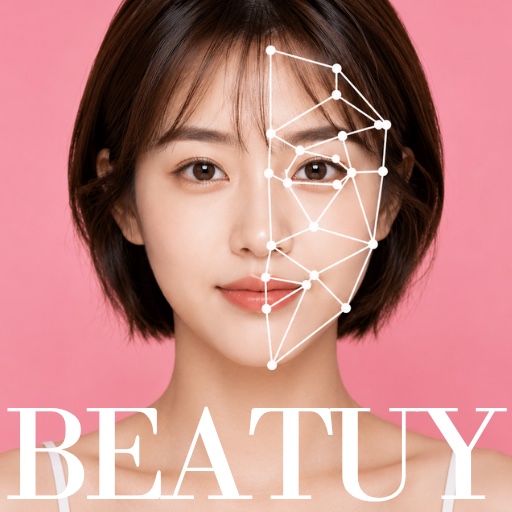
One-tap portrait retouching right on your canvas: smooth skin, brighten eyes, reshape features, apply makeup and body tools — no export round-trips.
- AI face detection runs locally — models cached after first load.
- Group photos: pick one face, several, or select all.
- Press-and-hold compare, zoom, and per-slider fine control.
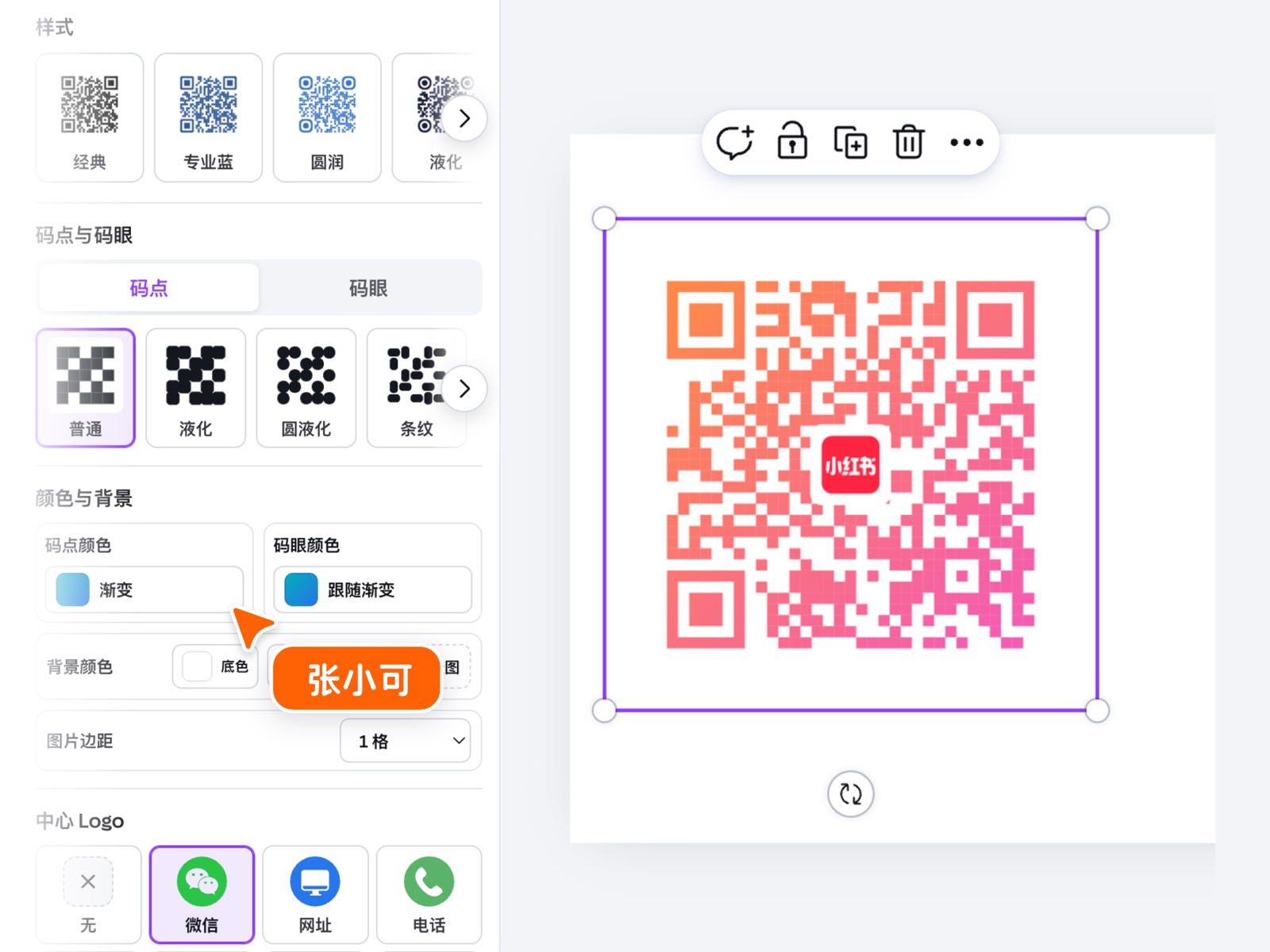
QR Code Pro
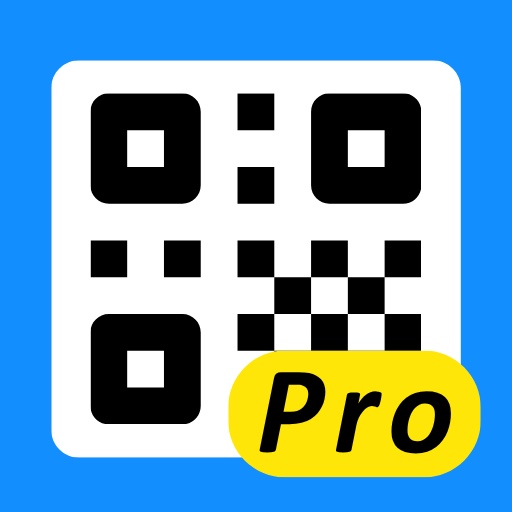
QR codes that match your brand instead of breaking it: styled dots and eyes, gradient colors, background images and a center logo — still perfectly scannable.
- Style presets — classic, rounded, liquid, stripes and more.
- Link, text, Wi-Fi or phone payloads with live preview.
- Perfect for menus, posters, packaging and business cards.
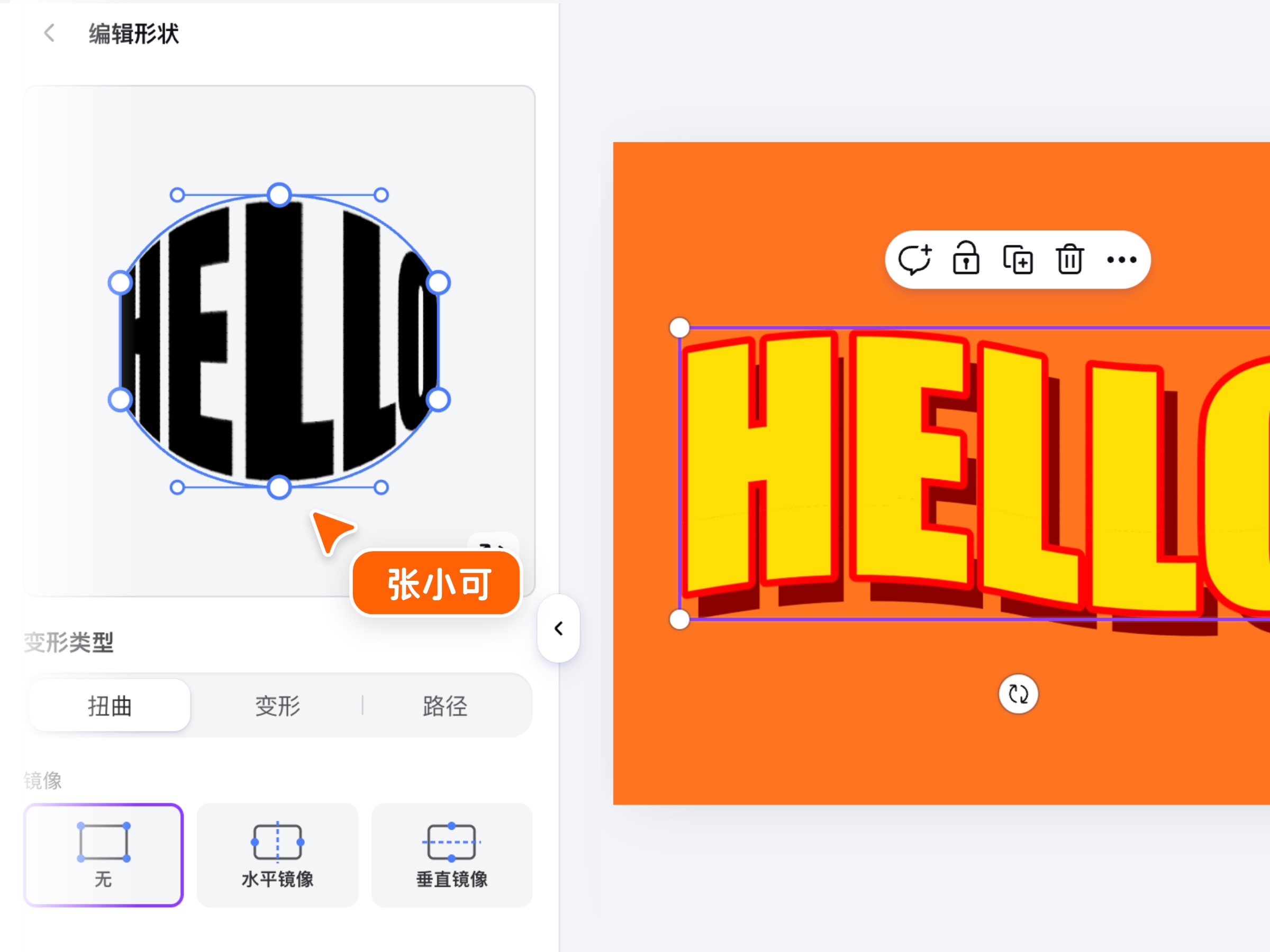
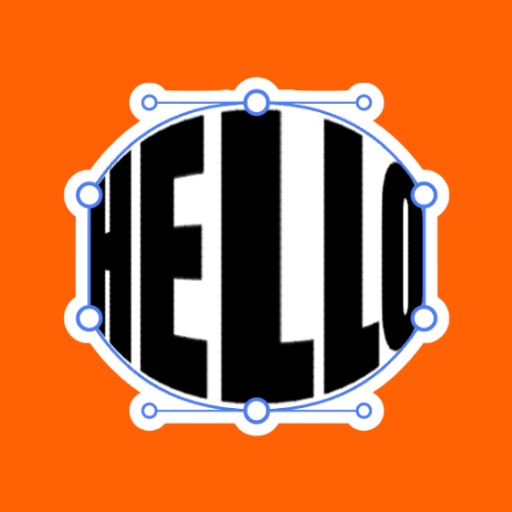
Text Warp
Bend, arch and distort type into any shape. Start from a preset, then fine-tune every control point by hand for a truly custom look.
- Ready-made presets — fisheye, pinch, perspective, arcs and more.
- Custom shape editor — drag bezier handles to warp, or place text on a path.
- Outline, mirror and depth options, plus your own uploaded fonts.
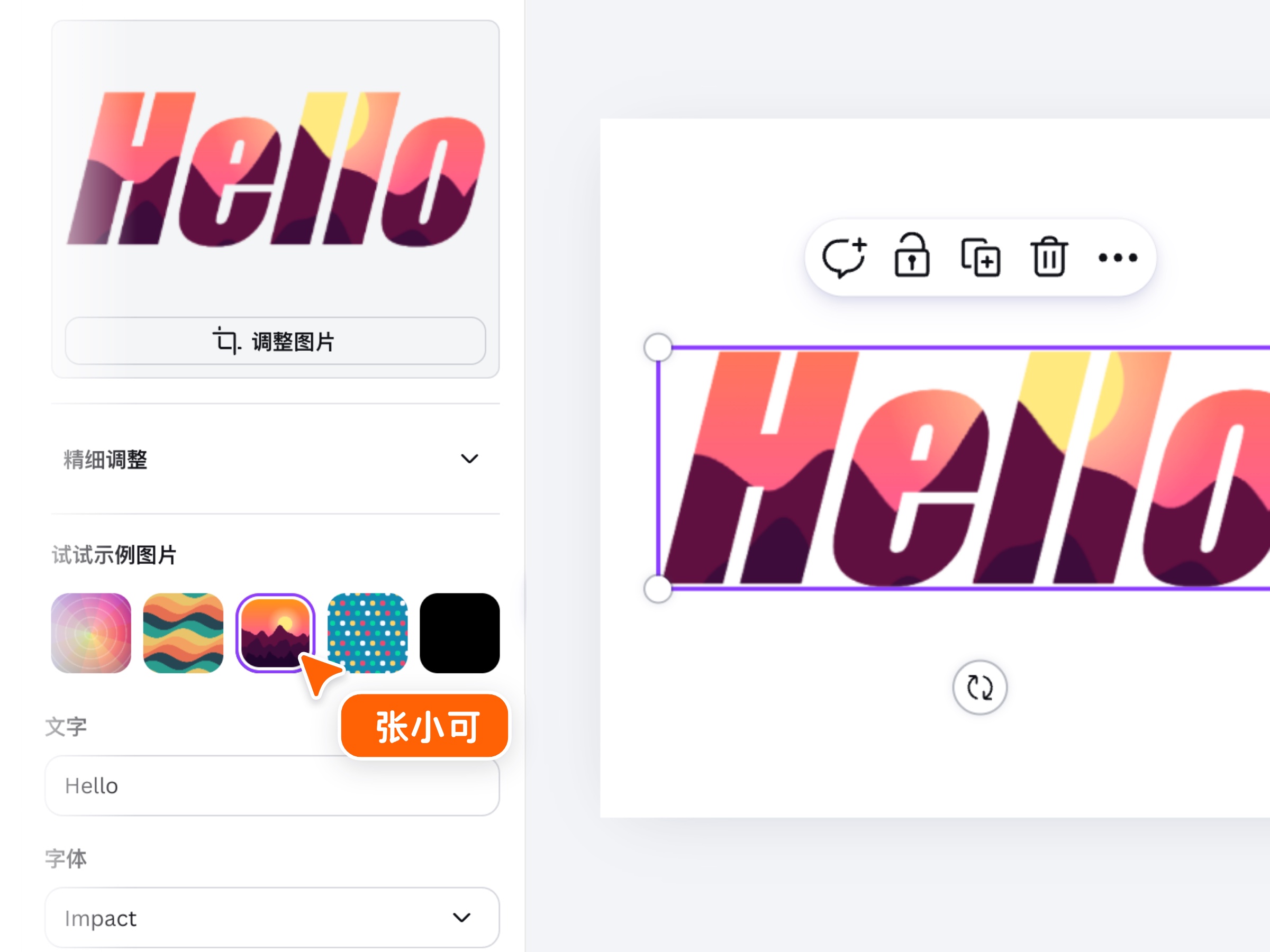
Text Frame
Use your letters as a picture frame. Fill any word with a photo or pattern so the image shows through the type — perfect for posters, titles and thumbnails.
- Fill text with any image — pick a sample or drop in your own photo.
- Crop & zoom inside the letters to frame the image just right.
- Add an outer stroke and drop shadow, and choose any font.
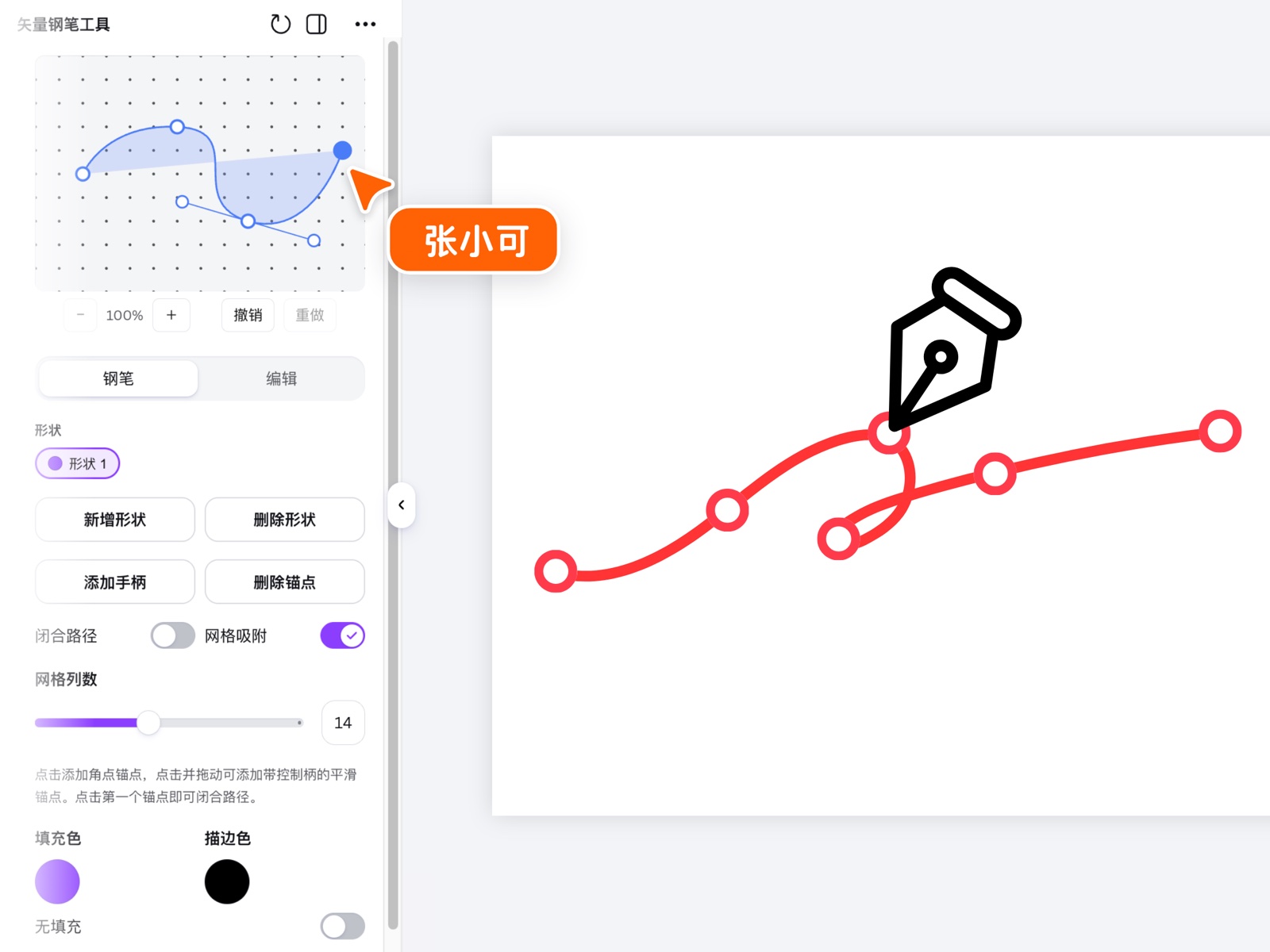
Vector Pen
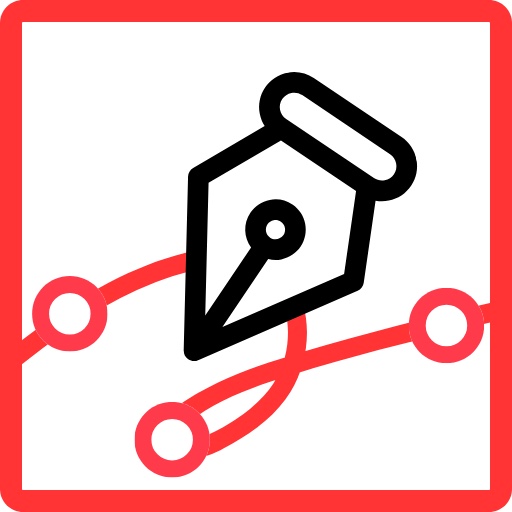
A real pen tool for Canva. Draw bezier shapes anchor by anchor, stack multiple shapes in their own colors, and combine them with boolean operations.
- Corner or smooth anchors — add or remove handles on any point.
- Boolean operations merge, cut and intersect shapes — holes included.
- Inserts as a native Canva shape you can recolor later.
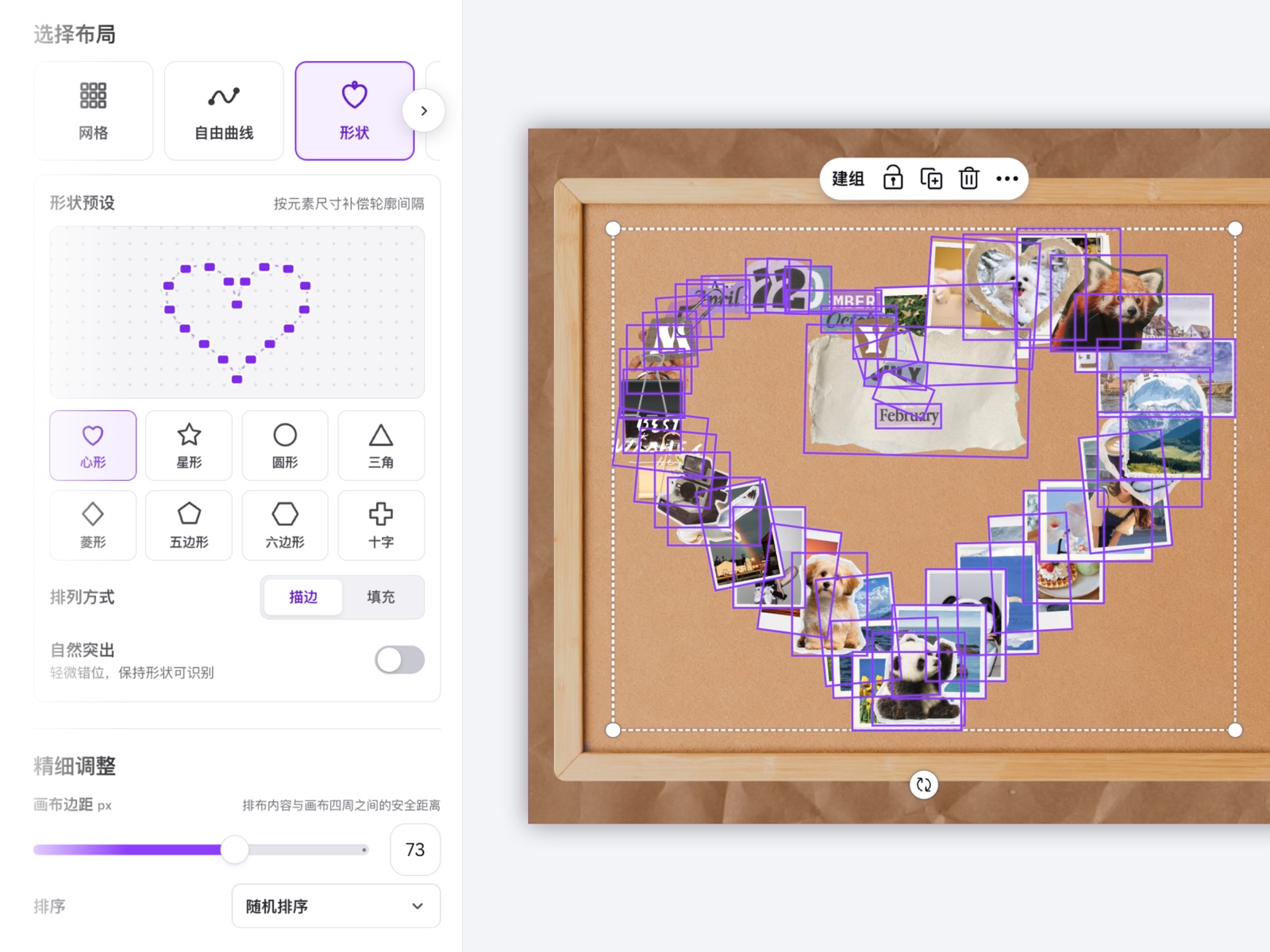
Smart Align
Arrange anything into a perfect layout in one click: tidy grids, flowing curves, or shapes like hearts and stars — great for photo walls and mood boards.
- Shape layouts — outline or fill, with size-aware spacing.
- Natural scatter option keeps collages organic but recognizable.
- Canvas margin, ordering and spacing controls for the final polish.
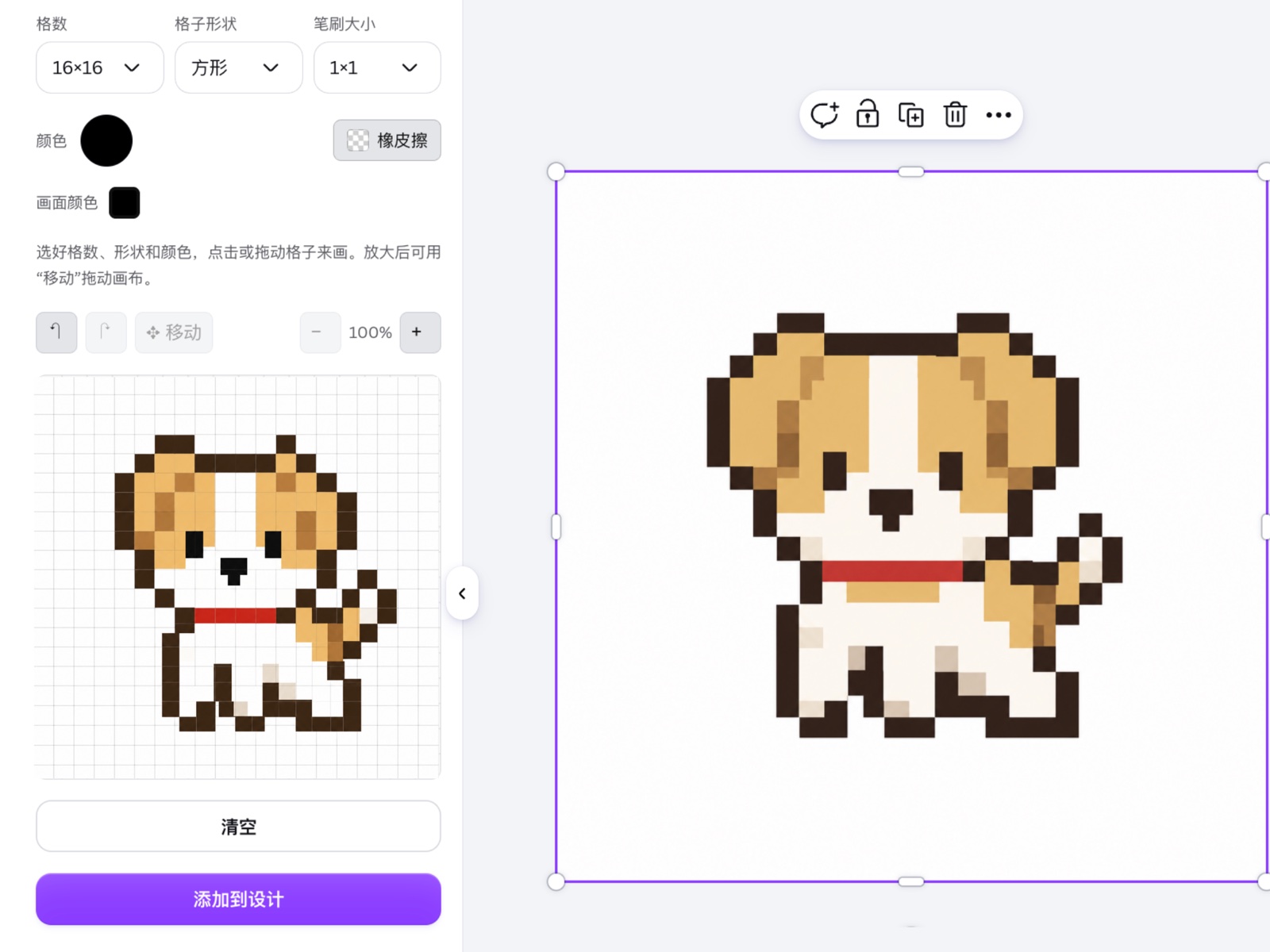
Pixel Art
Draw pixel art directly on a customizable grid, then place the crisp finished artwork straight onto your Canva page.
- Choose your grid size to match icons, characters or larger scenes.
- Simple drawing tools make every pixel easy to place and correct.
- Add the finished artwork to Canva without losing its sharp pixel look.
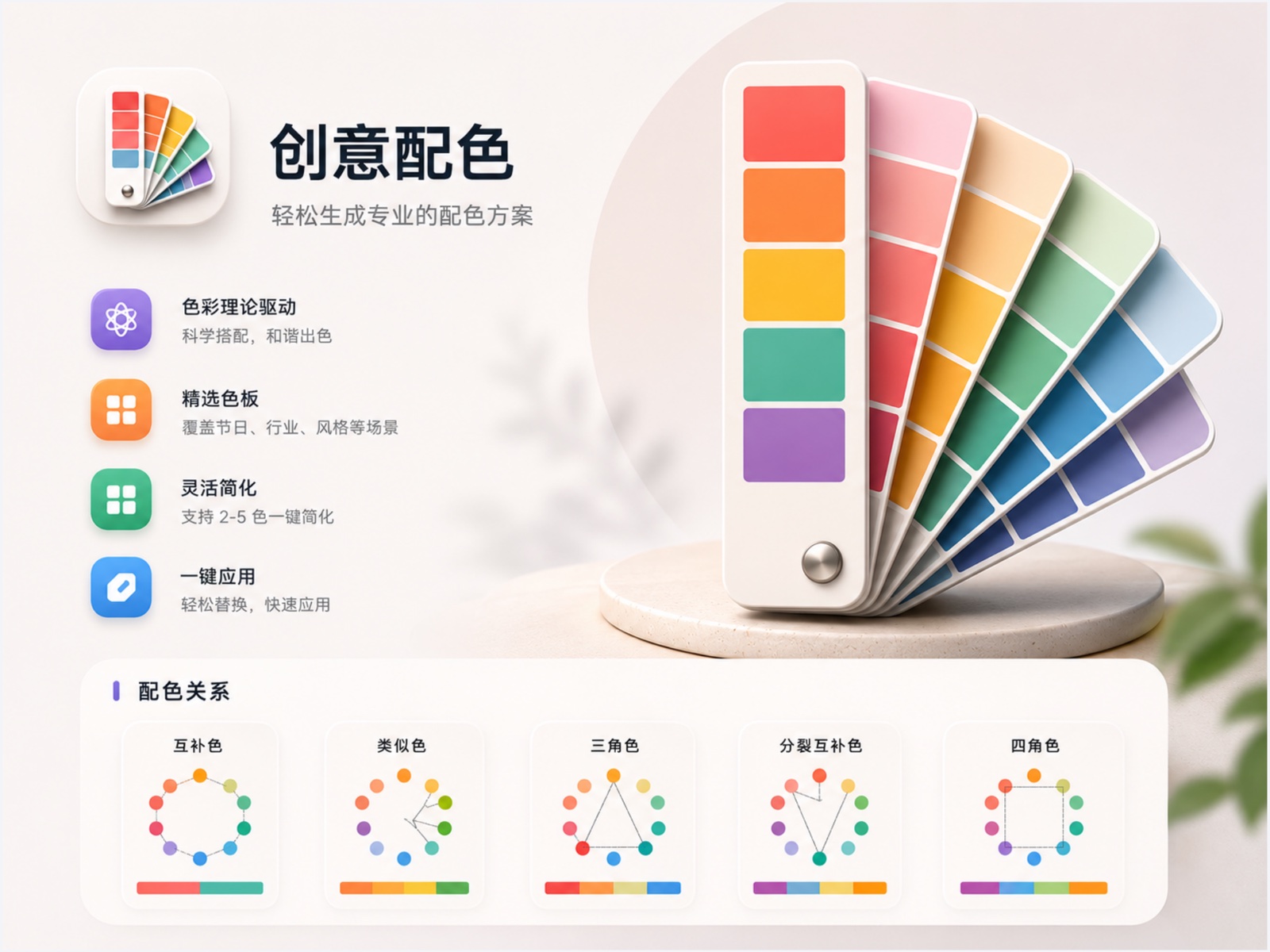
Creative Palettes
Generate balanced color palettes from color theory, so every design starts with combinations that already work beautifully together.
- Start from any base color and explore multiple harmony systems.
- Ready-made variations help you compare moods at a glance.
- Use the color values directly in brand, social and presentation designs.
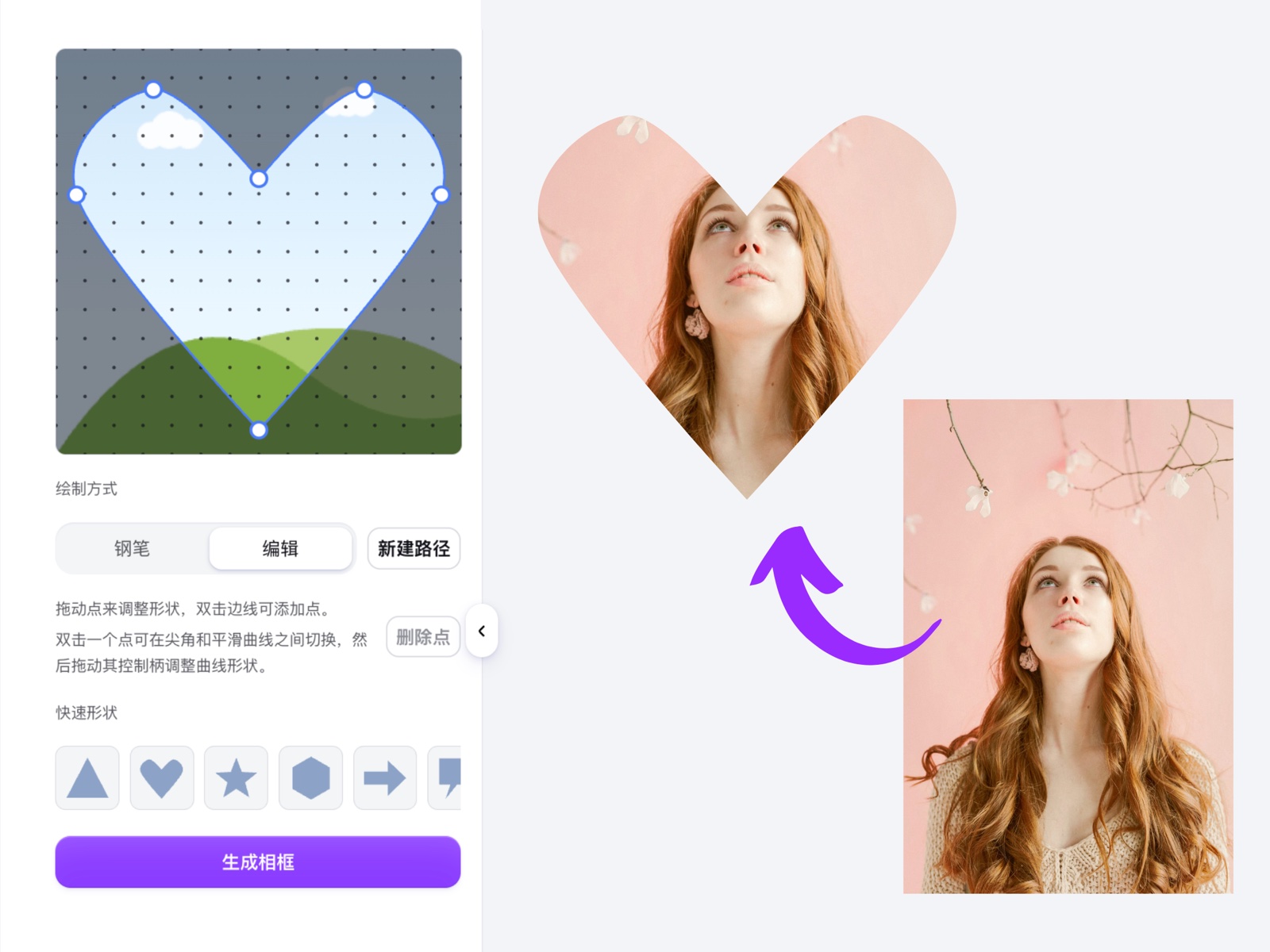
Custom Frame
Draw a frame in any shape you can imagine, then drop a photo inside it — from soft hearts and arches to completely custom outlines.
- Draw point by point and refine curves with intuitive handles.
- Start from a familiar shape or create an outline from scratch.
- Insert a reusable Canva frame ready for any photo.
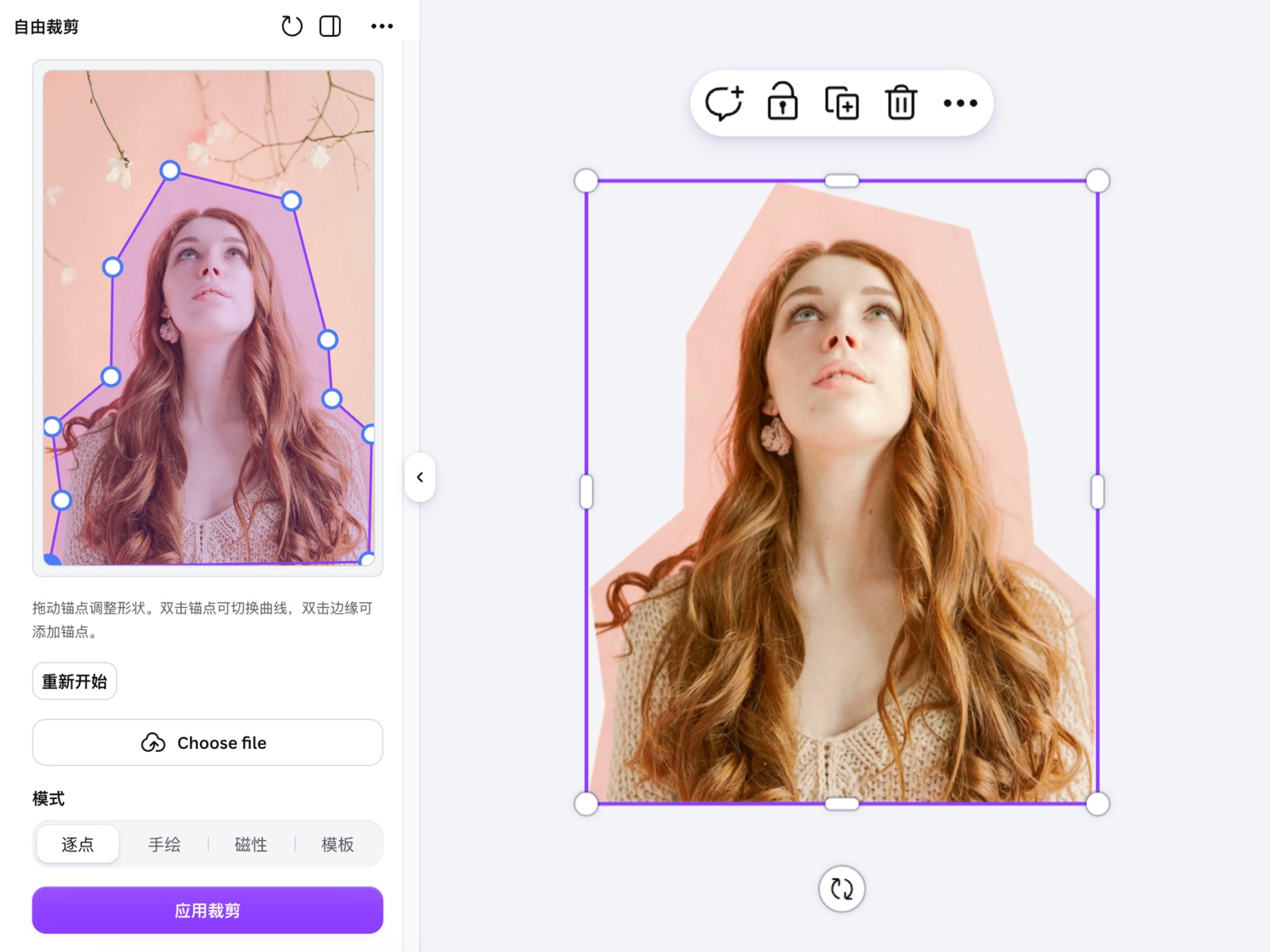
Free Crop
Crop an image into any custom shape instead of being limited to rectangles, circles or preset masks.
- Trace the exact silhouette you want around a person or object.
- Adjust every point before committing the crop.
- Place the clean cutout back into Canva, ready to layer anywhere.
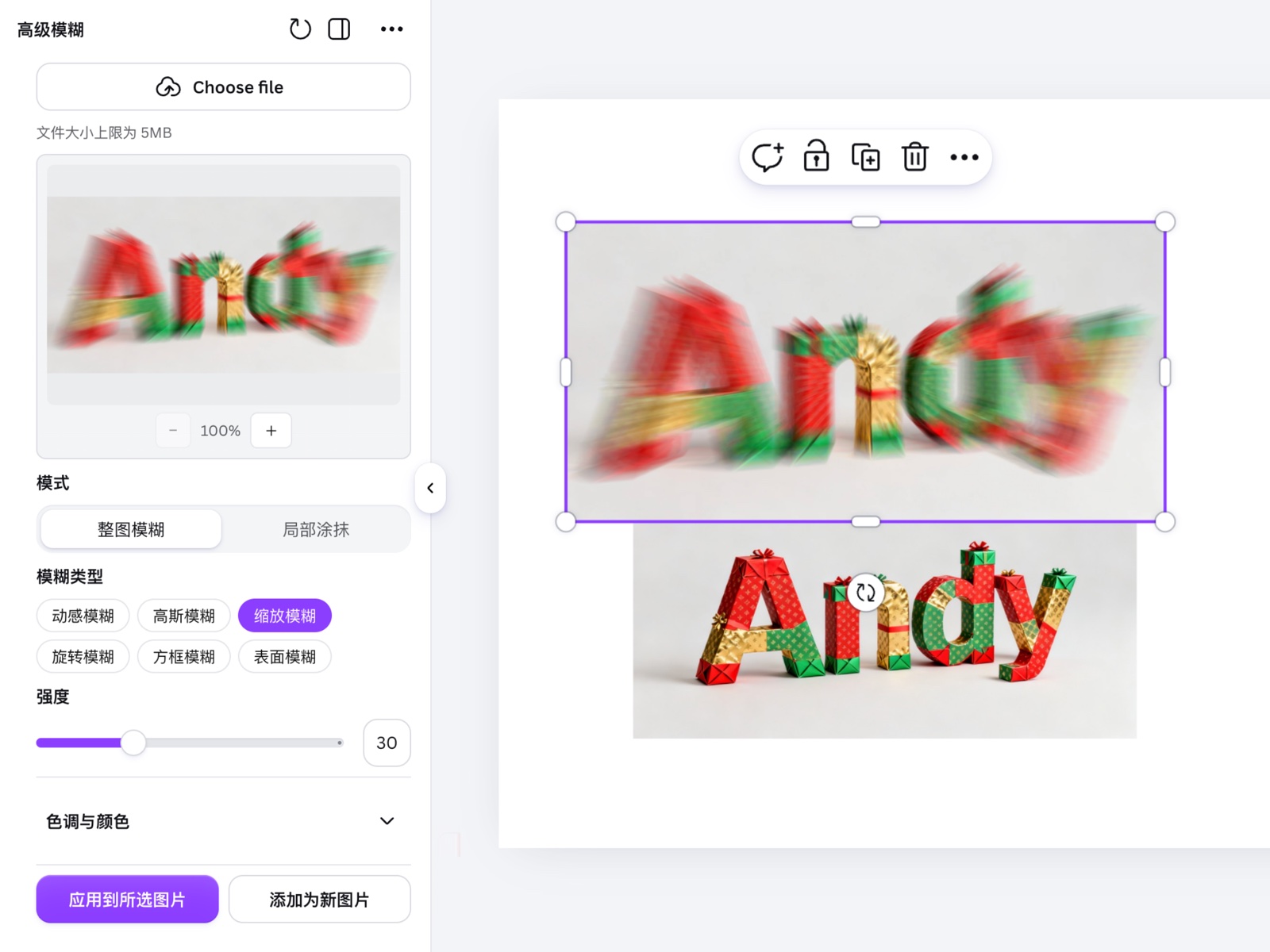
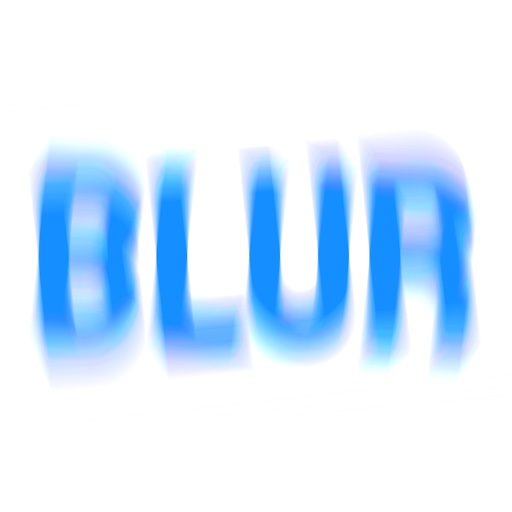
Advanced Blur
Apply expressive blur effects to images and graphics, with multiple styles and precise controls for strength, direction and movement.
- Choose from distinct blur styles for atmosphere, depth or energy.
- Fine-tune the effect instead of settling for a single blur slider.
- Preview variations before adding the final result to your design.
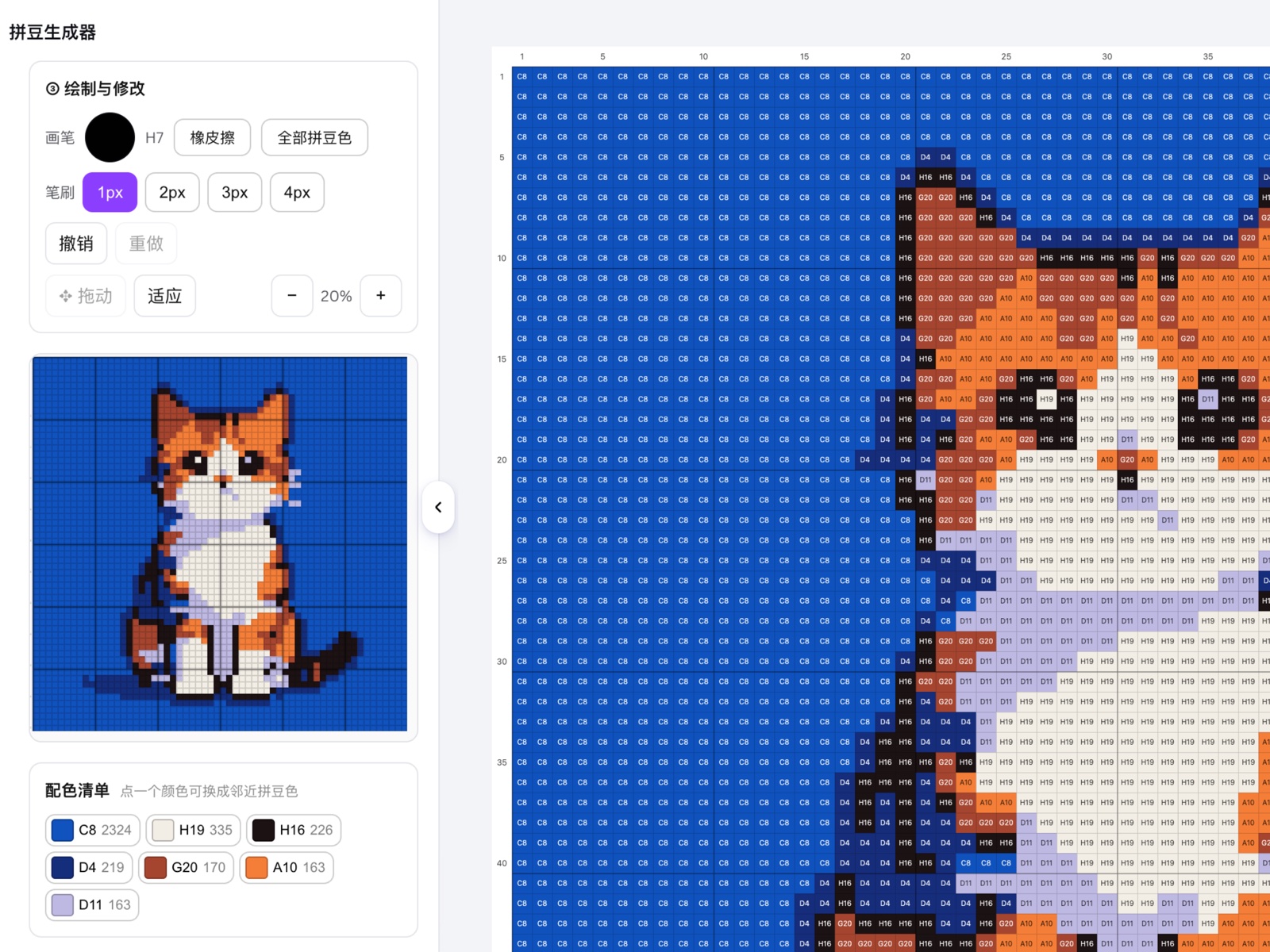
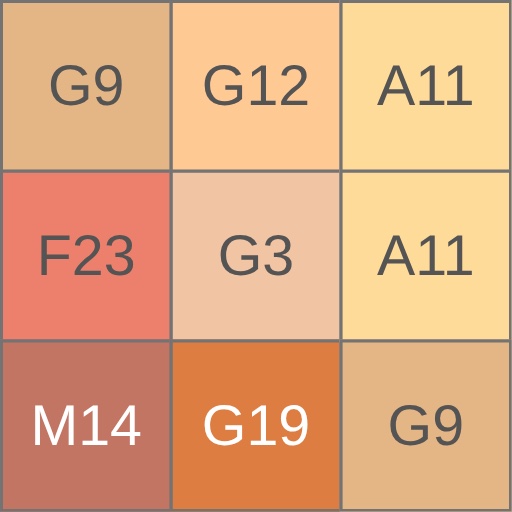
Perler Bead Generator
Turn an image into your own perler bead pattern in one click, complete with a clean grid and a practical color guide.
- Convert photos and illustrations into craft-ready bead layouts.
- Control pattern detail through the grid and palette settings.
- Use the generated chart as a visual reference while you build.
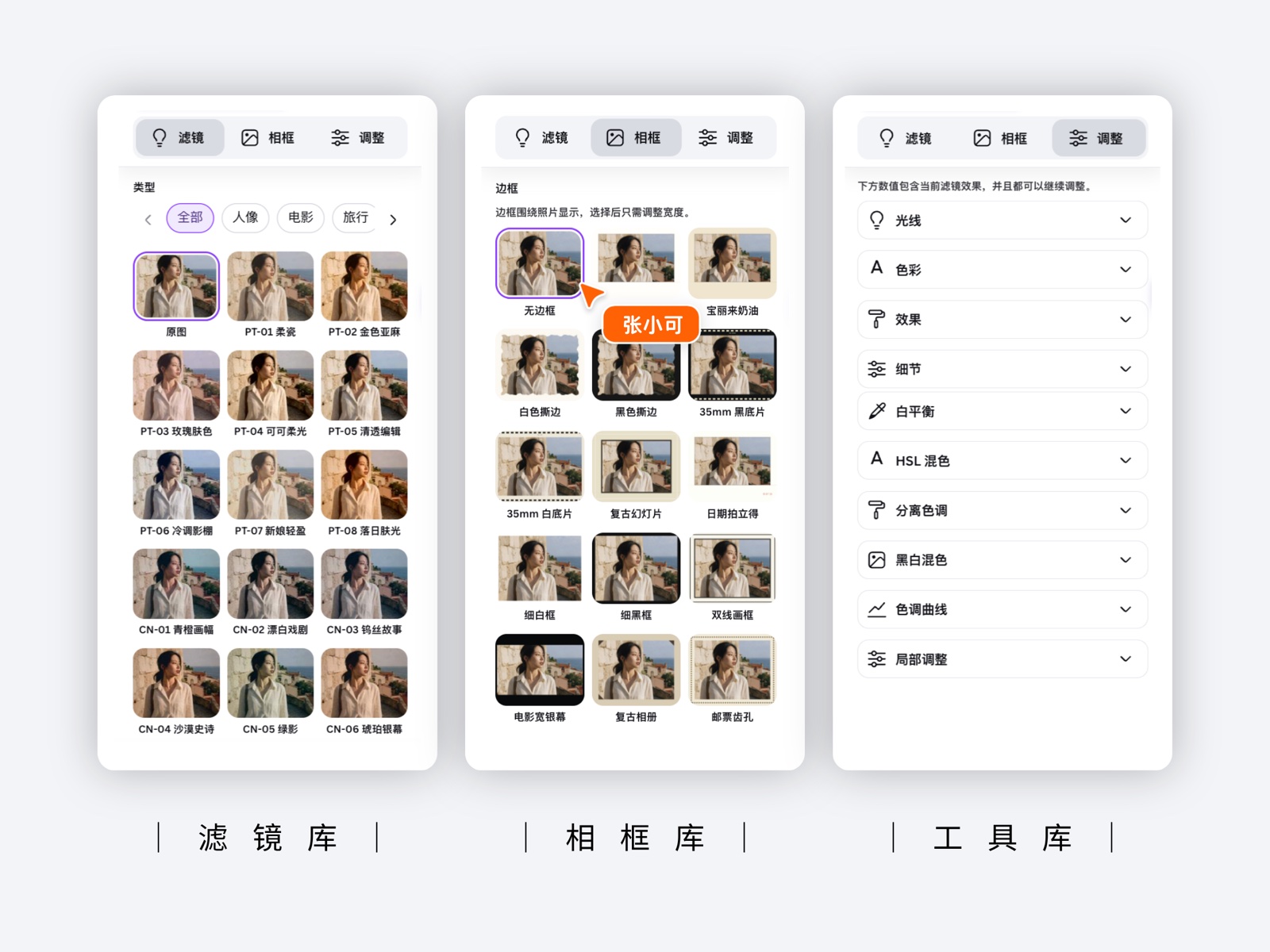
Advanced Filters
Give photos a finished look with professional filter presets, creative frames and detailed color adjustments in one focused workspace.
- Browse visual presets and compare treatments quickly.
- Add a frame and refine the tone without leaving Canva.
- Apply the final treatment directly to the selected photo.
The same easy flow in every app
No layers, masking or design skills needed — each app does the hard part for you.
Open it in Canva
Find the app in Canva's Apps panel and open it beside your design — no extra account to create.
Pick & tune
Choose a style, preset or layout, then adjust the sliders and options to taste.
Place & keep editing
Drop the result onto your page as a normal element — move, resize, layer, or generate again.
Built for creators who need great results, fast
One job, done well
Each app focuses on a single task — text effects, retouching, QR codes — and nails it.
Presets or full control
Start from a one-tap preset, or dive into fine controls when you want an exact result.
Native to your canvas
Output is a normal Canva element you can move, resize and layer like anything else.
AI where it helps
Generation and detection run behind the scenes — you just see finished results.
Iterate freely
Not quite right? Adjust and regenerate until it fits your design — no penalty, no fuss.
Made for global creators
Bilingual by design, with a growing set of tools built for international teams.
Good to know
What is Fablable?
Fablable is the maker behind 15 published Canva apps spanning text effects, AI art, pixel drawing, photo editing, custom frames, color tools, QR codes and precision layout.
Do I need design experience?
No. Each app gives you one-tap presets and finished output; the fine controls are there only if you want them.
Which languages are supported?
The apps support English and Chinese, with more styles and options added over time.
Can I use the results commercially?
Usage terms are covered in our Terms and Conditions. Please review them before using outputs in commercial work.
I ran into an issue — who do I contact?
Visit our Support page for help and contact details.
Ready to make better designs?
Open Canva, search the Apps panel for any Fablable app, and start creating.